Week 8
Today, we talked about the gamification of learning and different educational games that can assist in learning. One thing in particular that I want to talk about in my blog today is Minecraft Education. We had Kara Dawson, the District Information Technology Support Teacher from the Comox Valley school district, give us a presentation about Minecraft Education and its integration in schools.
A benefit of Minecraft Education is that it is a sandbox game, so students can build and explore anything. It builds creativity, strengthens problem-solving skills, supports collaboration, brings learning to life, encourages persistence, and is engaging and familiar for students. There are also pre-built worlds that students can explore to learn about different things. An example we looked at was the Pacific Northwest Coast experience, learning about Indigenous practices, like cedar weaving and camas harvesting, from Elders. The pre-built worlds also come with lesson plans, and Minecraft Education has a lesson library with many different subjects and lessons. Another Minecraft Education tool we looked at is build challenges. Some examples are life cycles, architecture, area and volume, and accessibility.
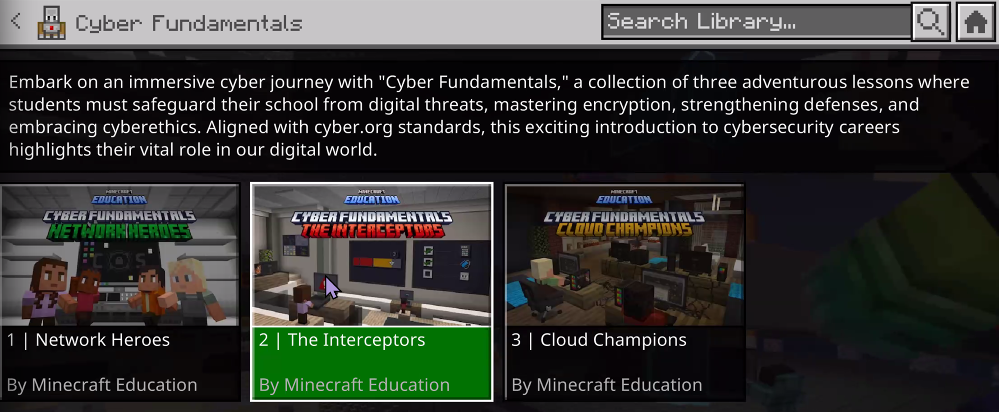
This is an example of a lesson set on cybersecurity. Students have to talk to characters to learn about cybersecurity and being safe online, and complete challenges to reinforce learning.
There was also an assessment element with an in-game journal for students to write down their experiences in the pre-built worlds and what they’ve learned about, and teachers can save it as a PDF to collect students’ answers.
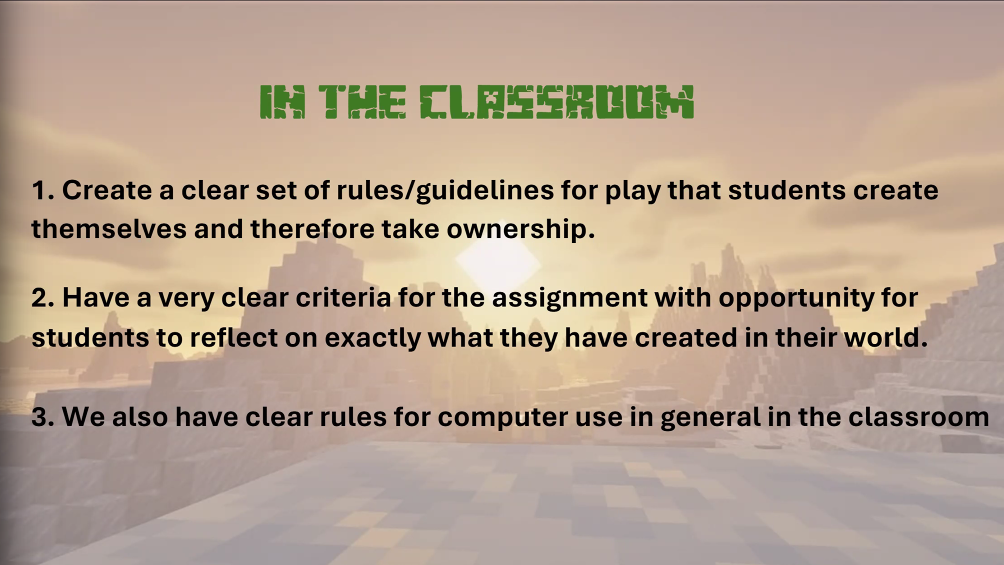
These are some guidelines for teachers to keep Minecraft specifically for learning rather than messing around in the Educational worlds. Co-creating expectations with the class can help reinforce rules for computer use.
I found Minecraft Education really interesting, and it sounds really engaging for students. Minecraft is extremely relevant for them, and bringing it into the classroom is a great way to motivate students and turn learning into a game. I loved building in Minecraft as a kid, and I still play it every once in a while with my little cousins, so I can totally see myself using this resource in my future classroom!
We also talked about coding and some different programs used in schools. Scratch is one that we focused on. There are lots of great tutorials and visuals that make it easy for students to get an introduction to coding. We had 10 minutes to try it out, and below is what I created! This program makes coding accessible for a wide variety of ages. On Scratch, students have the ability to program a Sprite to follow actions, play music, and do other cool things! They can also check out other people’s projects and complete coding challenges.
What I made through playing around on Scratch! Since we didn’t have a lot of time, I just launched right in and figured it out myself rather than watching a tutorial.